




Every mobile gamer knows the feeling: you start your grinding session with a full battery, level a few matches, and suddenly your phone is begging for a charger. Battery drain can really hurt your gameplay, making you lose focus, disrupting your play, and forcing you to recharge too often. But what actually consumes all that power? Is it the graphics, the chipset, or simply the display draining everything behind the scenes?
Well, the answer is yes to all of them. A combination of factors and features makes your device lose power faster over time. This is because mobile gaming naturally pushes your phone to work harder, making several components perform simultaneously and often at sustained high levels. Today, we’ll be trying to understand which components in your gaming device consume the most energy so REDMAGIC can help you make smarter choices about your settings, gaming habits, and hardware.
Your Chipset Is Working Harder Than You Think
A natural starting point when it comes to power-hungry components is the chipset powering your device. REDMAGIC uses the latest Qualcomm Snapdragon chipsets to provide elite performance and world-class agility. However, the processor is also one of the biggest contributors to gaming power consumption, especially in a gaming phone or tablet. Unlike casual apps that perform short bursts of work, demanding games can keep both the CPU and GPU busy for extended periods, consuming more power with each second.
Now, these are undoubtedly necessary elements. After all, the CPU handles your game logic, player inputs, physics, and background processes, while the GPU renders the game world, processes visual effects, and produces the frames you see on screen. They do a lot of work inside your smartphone, which in turn consumes a lot of battery power.
For example, playing a graphically demanding game of Genshin Impact forces your chipset to manage sustained workloads as you explore detailed environments, trigger complex combat effects, or enter crowded areas. This brings us to our next reason for battery drain: competitive games.
Your High Frame Rates Come at a Cost
For competitive gamers, the frame rate is just as important as graphics quality. A higher frame rate makes movements appear smoother and helps you track targets more clearly. However, producing more frames means the GPU may need to work even harder. In a game of Call of Duty: Mobile, maintaining a high frame rate during fast-paced multiplayer matches requires your phone’s hardware to keep producing frames while responding quickly to player inputs.
Basically, demanding workloads generally require more power. However, the relationship is not always straightforward because many newer, more efficient chipsets may deliver the same performance while consuming less energy than an older one. This is why REDMAGIC makes sustained performance a priority when designing gaming devices.
Additionally, REDMAGIC gaming devices come with the unique Game Space hub that gives you the ability to choose your performance modes and customize settings for more control over this trade-off. If you’re playing a competitive title where every movement matters, prioritizing a high frame rate may be worth the extra power consumption. However, for a slower-paced game, a lower frame-rate setting might provide a better balance between smoothness and endurance. The key is to match your settings to the game, rather than running every title at the highest possible performance level by default.
Display Is More Than Just a Pretty Screen
Display is another important part of the battery equation. Brightness, refresh rate, resolution, and panel technology can all influence how much energy your phone uses. A 144Hz or 185Hz panel can refresh more frequently than a conventional 60Hz screen. While a high-refresh-rate display can improve responsiveness and visual fluidity, its energy requirements depend on the panel and how the device manages refresh rates dynamically.
Resolution also matters because rendering a game at a higher resolution can increase the GPU's workload, especially when combined with demanding visual effects and high frame rates. Brightness is also an element that’s easy to overlook. Gaming outdoors or in a brightly lit room often means increasing screen brightness, which can raise display power consumption. Keeping your screen at maximum brightness throughout a long gaming session uses up more energy than you need most of the time.
For REDMAGIC users, this creates a practical balancing act where the display is central to the gaming experience, but the highest brightness, resolution, and refresh-rate settings are not always necessary for every session. Fortunately, your Game Space menu allows you to customize and adjust each of the settings to your preferences, allowing you to spare battery where you can.
Heat Can Complicate Things
Another factor to consider is that gaming generally generates heat because the processor, graphics hardware, display, and other components consume energy while operating. Some of that energy is inevitably converted into heat, and as the temperatures rise, your device may adjust performance to protect its components through thermal throttling.
Cooling systems are therefore important for more than just comfortable, cool fingertips. Managing heat allows the hardware to sustain demanding workloads more effectively. This is why REDMAGIC has made cooling a priority feature throughout the years, debuting the industry’s first-ever liquid cooling system in a mass-produced smartphone and providing increasingly more sophisticated cooling features with every new release.
It’s also worth distinguishing the link between heat and battery drain. A hot phone is not necessarily losing battery exclusively because of its temperature. The underlying gaming workload may be consuming substantial power and producing that heat in the first place. If your phone becomes unusually hot, check your performance settings, avoid playing in direct sunlight, and consider taking a break. Sustained high temperatures are not something to ignore, especially during charging.
Background Activity Can Be a Drain
Enhanced gaming devices, especially from REDMAGIC, are built to do more. This means that not every watt goes toward rendering your game. Your phone may also be maintaining a Wi-Fi or mobile data connection, downloading updates, syncing notifications, or running other apps in the background.
Online multiplayer games need a stable connection to communicate with servers and other players. When Wi-Fi is weak or mobile reception is poor, the phone may use more energy to maintain connectivity. Switching between network conditions can add to the workload, too.
Mobile data can be particularly demanding in situations where signal strength is low. If you are gaming on the move, travelling through areas with inconsistent reception, or using a mobile hotspot, network activity may contribute more noticeably to battery consumption.
A messaging app syncing data or a game launcher downloading updates might not be the biggest drain individually, but several unnecessary processes can add up over a long session. So, before embarking on a lengthy gaming session, consider closing resource-intensive apps, pausing large downloads, and using a reliable Wi-Fi connection when practical.
Battery Capacity Is Only Half the Story
A larger battery can provide more energy for gaming, but capacity alone does not determine how long a phone will last. Two phones with different batteries may deliver similar gaming endurance if one has a more efficient chipset, better display power management, or more effective software optimization. Conversely, a large battery can drain quickly when a game pushes the hardware continuously.
Battery health also matters. Over time, repeated charging cycles and exposure to high temperatures can reduce a battery's ability to hold its original charge. If your phone typically lasts through several hours of gaming but now struggles to complete a session under similar conditions, battery aging could be part of the explanation.
This is why gaming endurance should be considered as a complete system: battery capacity, hardware efficiency, thermal management, display settings, and software all influence the result. At REDMAGIC, the objective isn’t simply to fit a large battery into a gaming phone; it’s to combine battery capacity with performance-focused hardware and cooling so players can enjoy demanding games for longer without constantly compromising the experience.
How to Get More Gaming From Your REDMAGIC Device
With REDMAGIC, you don’t have to turn your gaming phone into a low-powered device to make your battery last longer. These few targeted adjustments can help your battery last longer:
-
Match frame rate to the game: Keep higher frame rates for competitive titles where responsiveness matters, and consider lowering your performance settings in your Game Space menu for less demanding games.
-
Use Charge Separation: Power your REDMAGIC device directly from the outlet with Charge Separation and spare your battery from any damage that comes from playing while you're recharging.
-
Adjust brightness sensibly: Use the lowest brightness that remains comfortable and readable in your environment.
-
Review graphics settings: If a game is especially demanding, try reducing a few visual settings before making substantial compromises elsewhere.
-
Use a stable connection: Reliable Wi-Fi can help you avoid the additional power demands associated with weak mobile reception.
-
Manage optional features: Reduce RGB brightness or unnecessary haptics if you do not need them during a particular session.
-
Watch for unusual battery changes: Check battery usage and background activity if consumption suddenly increases without an obvious change in gameplay.
Finally, remember that your charging habits and the ambient temperatures matter as well. Avoid exposing your phone to excessive heat and always follow REDMAGIC’s user guidance when gaming. If the device becomes excessively hot, pause your session and allow it to cool.
Don’t Let Power Drain Be a Drain
Your gaming device’s battery loss isn’t caused by just one component working overtime. Even in REDMAGIC phones and tablets, power drain is the combined result of rendering frames, powering a display, maintaining network connection, and actively managing heat during sustained workloads.
While we push boundaries to give you the best-quality performance and highest level of gameplay available on every REDMAGIC device, the good news is that not every setting needs to be pushed to its limit for every game.
By understanding where power goes, you can make informed adjustments without losing the features that make mobile gaming enjoyable. The best gameplay isn’t necessarily the one with every setting maxed out; it’s the one that gives you the performance you want for as long as you need it.
FAQ
Q: Which mobile games drain the battery the fastest?
A: In general, graphically demanding 3D games such as Genshin Impact and Honkai: Star Rail, as well as competitive games running at high frame rates such as COD Mobile or PUBG Mobile, can place heavier demands on the CPU and GPU.
Q: Does playing at 120 FPS drain more battery than playing at 60 FPS?
A: Yes, it often does, as the hardware may need to render twice as many frames per second.
Q: Does gaming while charging damage my phone's battery?
A: Yes. It can increase heat and accelerate battery ageing. With REDMAGIC devices, you can enable Charge Separation to power your device directly from the outlet and play while you charge, all without damaging your battery.
Q: Does a gaming phone's cooling system improve battery life?
A: In some ways. Cooling systems manage heat and can support sustained performance, but it’s also important to know that they cannot remove the power demands of the processor, display, or other components, including the cooling system itself.
Q: Does lowering screen brightness make a noticeable difference?
A: It can, especially during long sessions. The display consumes a significant amount of power, so reducing your screen’s brightness can lower its energy requirements.
Q: How can I tell what’s draining my gaming phone's battery?
A: Look at your phone's built-in battery usage settings to review app consumption and check for unexpected background activity. Compare battery usage across similar gaming sessions, noting differences in frame rate, brightness, network conditions, and temperature. This helps you identify whether the main issue is the game itself, your settings, background processes, or battery ageing.
Bestseller


REDMAGIC Cryo Cooler 8 Pro
- Regular price
- Ab €54.00
- Sale price
- Ab €54.00
- Regular price
-
€59.00 - Unit price
- per


REDMAGIC Cryo Cooler 8 Air
- Regular price
- Ab €29.00
- Sale price
- Ab €29.00
- Regular price
-
€39.00 - Unit price
- per

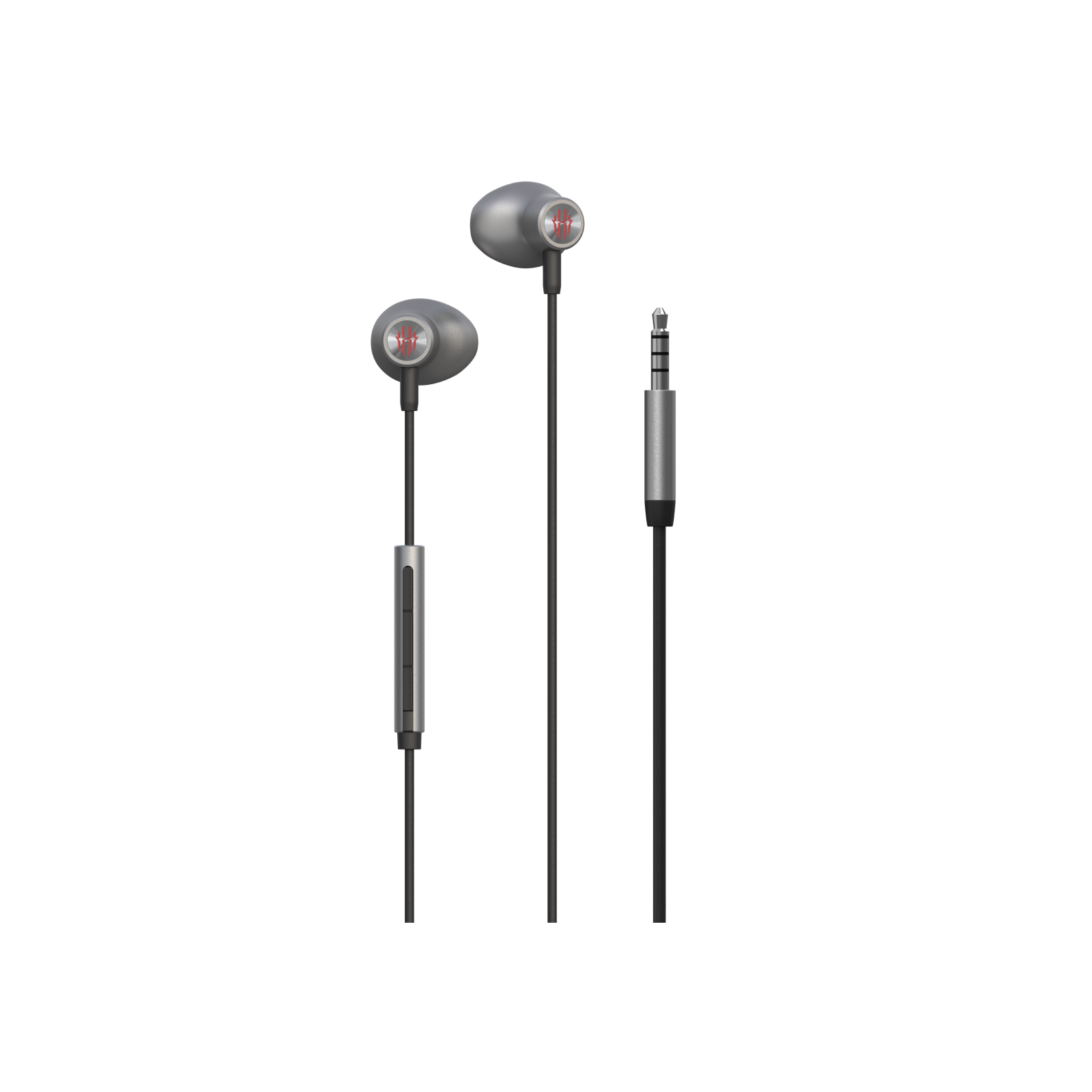
REDMAGIC Magic Sound Gaming Earphones(3.5mm Headphone Plug)
- Regular price
- €21.90
- Sale price
- €21.90
- Regular price
-
- Unit price
- per