












A Few Tips to Keep Your REDMAGIC Cooling Fan Clean

For most people, the only part of their smartphone they have to worry about constantly cleaning is the screen. The speaker and the charging port may occasionally need a good touch-up, but that’s usually as far as it goes for cleaning the hardware. If you own a gaming smartphone, particularly a REDMAGIC with one of those super powerful 20 000 rpm internal fans, you may need to clean one more part of your device - the cooling fan chamber.
It’s not uncommon for pocket lint or dust to get into the tiny nooks and openings of your phone’s charging port or speakers, and the REDMAGIC cooling chamber has more potential to draw objects into its openings with the powerful fan if you happen to be playing in a dusty area. If your REDMAGIC gaming smartphone has a solid back panel, you can probably get away with just dusting particles off the grille with a soft paintbrush or toothbrush. However, if the cooling chamber is visible through the transparent back panel, then you may feel the need to keep it extra clean. Don’t worry, we’ve got a few tips to help you out.
How to Clean Your REDMAGIC Cooling Fan

Because of the unique nature of the REDMAGIC cooling mechanism and chamber, there aren’t many solutions for this problem on the internet. You’ve come to the right place for answers.
Ask a Pro
The first and most obvious method to maintain your device’s hardware is to seek the assistance of a professional. They often have the right tools to open the back panel and proceed to clean the entire internal chamber of the device. It may not be the most practical method, but it’s a guaranteed way to ensure that the device sustains no damage from you trying to open it yourself. Another positive to using this method is that it’ll probably cost less to pay for the fan to be cleaned, rather than needing to have the whole thing replaced because it got damaged by particles.
Do It Yourself
In the same way that you’d go about cleaning the charging and earphone ports and speakers of the phone, you must remember to not use any sharp metallic objects to clean any part of the fan. We recommend that you brush any dust particles that are stuck on the phone with a soft-bristled brush like a clean paintbrush or toothbrush, and be mindful to brush dust away from the source, and not further into the socket.
You can then use a compressed air can or handheld blower to blow air into the side of the vent that draws air in (input). This should be enough force to expel any trapped particles through to the other side, to the vent that lets the air out (output). Before you start, make sure you know which vent is which, and do not make the oversight of blowing air into the output vent.
Get the Right Tools
If you’re an avid gamer and you’re confident in your abilities to construct (or deconstruct) pieces of tech, then opening the back panel to clean it yourself is an option. If you’re not sure how to do it but would like to try, check out this video by PBKReviews on YouTube and see how he goes about disassembling the REDMAGIC 7 Pro to get to the fan. Take note of all the pieces to ensure that you put everything back on properly at the end of the entire process.
Please note that it is not recommended to try this method unless you know exactly what you are doing.
Keep the Magic Going for Longer
Maintenance is the best way to keep any machine running for longer, including your phone. So in addition to making sure that the software is free from viruses, and the storage is optimized for performance, you can keep your REDMAGIC running for longer by maintaining the performance and cleanliness of the hardware.
Best Sellers

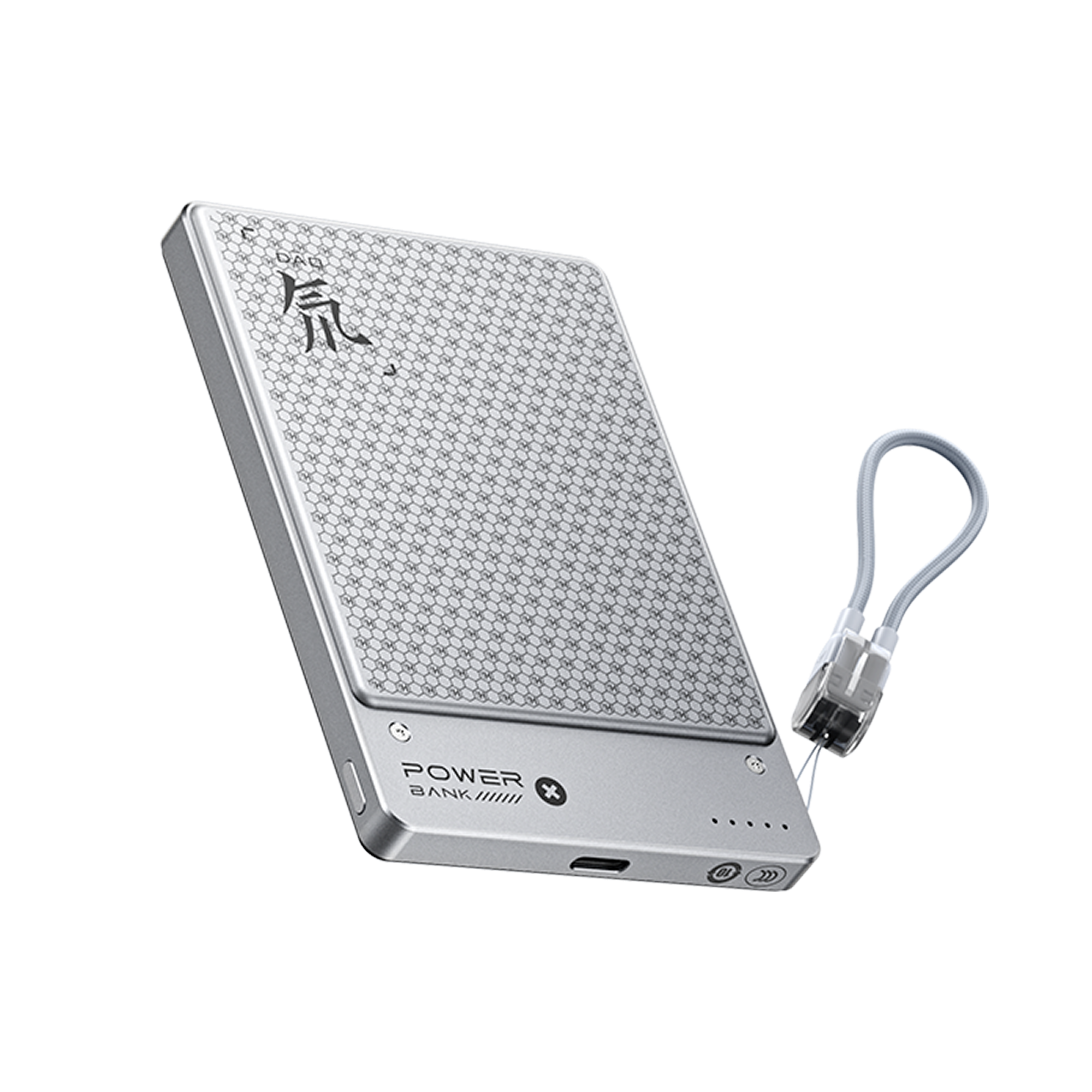
REDMAGIC PhantomLite 5000mAh Power Bank
- Regular price
- €59.90
- Sale price
- €59.90
- Regular price
-
€69.90 - Unit price
- per


REDMAGIC Astra Gaming Tablet
- Regular price
- From €499.00
- Sale price
- From €499.00
- Regular price
-
- Unit price
- per


REDMAGIC 11 Pro
- Regular price
- From €699.00
- Sale price
- From €699.00
- Regular price
-
- Unit price
- per


