







NOTE:
Please proceed with caution. We cannot provide additional support should your device run into issues, as our warranty policy does not cover REDMAGIC devices bought from third-party sites.
1. Please back-up your data before attempting to manually install the global ROM, as the process will require a complete wipe of the device. This is because many of the apps built into the Chinese model will not be compatible with the global ROM.
2. Download the software build for your device depending on your location here:
3. Make sure the device is charged to 50% or above.
4. Plug your phone into your computer and copy the downloaded .zip to your phone’s root storage folder (this is the main folder once your device is connected to the computer). If you’re using a Mac, you can install Android File Transfer for this operation.
5. After the .zip file is copied to your phone’s root folder, go to 'Settings' - 'System update', click the 'Settings' icon (the three dots) on the top right corner, choose 'Local update', find the .zip file and click on 'Install now' button to confirm.
6. After the phone boots, the software may be usable. However, there is a high chance of issues occurring, so we recommend doing a full wipe of the device again either by the reset option in settings or via recovery (the best option).
a. Once the phone has booted after the initial change of the software, turn the phone off, and then hold down both the volume up button and the power button. This will bring you to recovery mode.
b. Choose your preferred language with the volume keys and select with the power key.
c. Go to ‘Wipe data’, and select ‘Wipe user data’.
d. The phone will reboot and you will need to set up with your Google account info.
Please be cautious when installing the global ROM and make sure to carefully follow the instructions.
Kindly note that this is not a software update.
Best Sellers

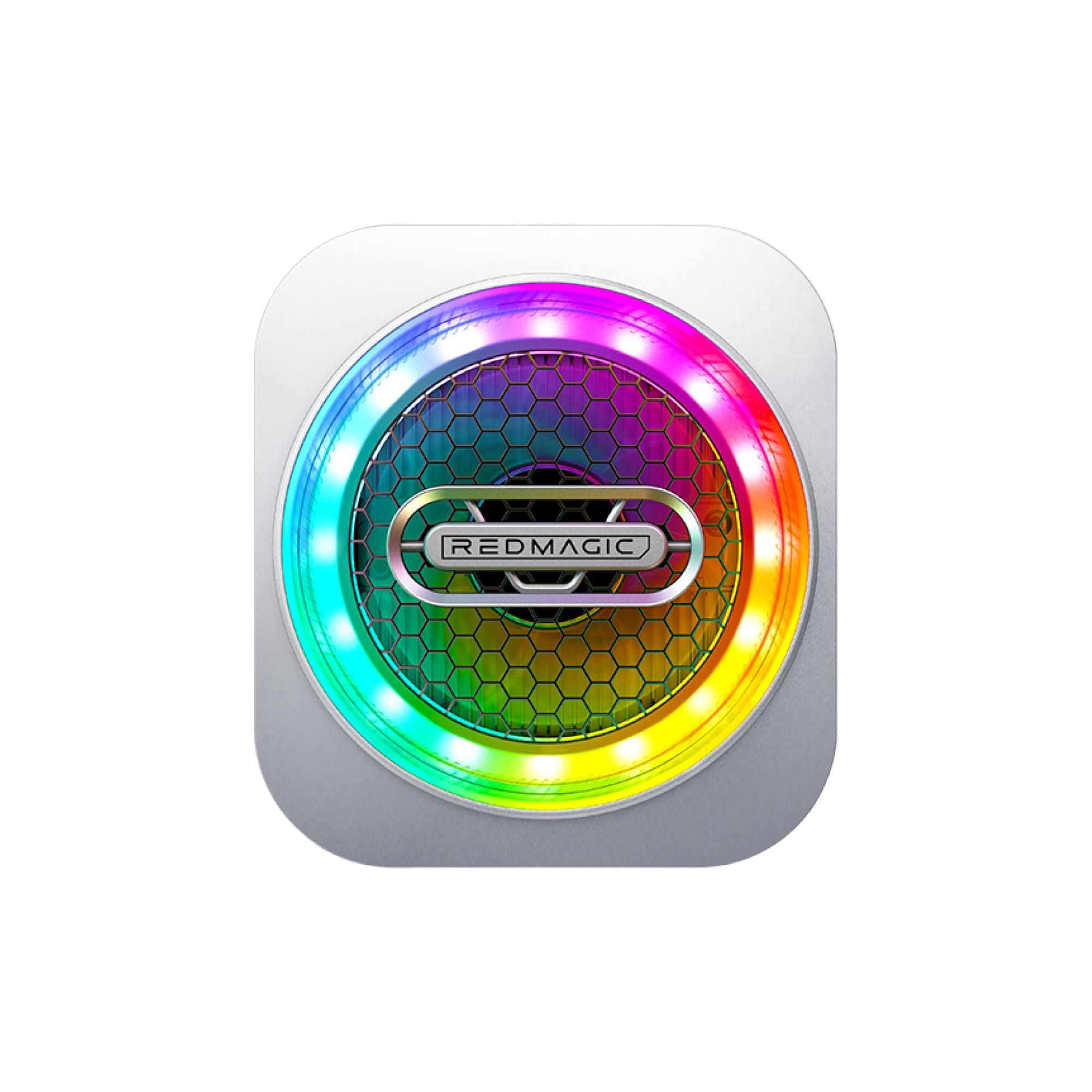
REDMAGIC VC Cooler 6 Pro
- Regular price
- From €44.90
- Sale price
- From €44.90
- Regular price
-
€59.00 - Unit price
- per


REDMAGIC Magic Sound Earphones(USB-C)
- Regular price
- €21.90
- Sale price
- €21.90
- Regular price
-
- Unit price
- per


REDMAGIC Astra Gaming Tablet Screen Protector
- Regular price
- €24.90
- Sale price
- €24.90
- Regular price
-
- Unit price
- per


