


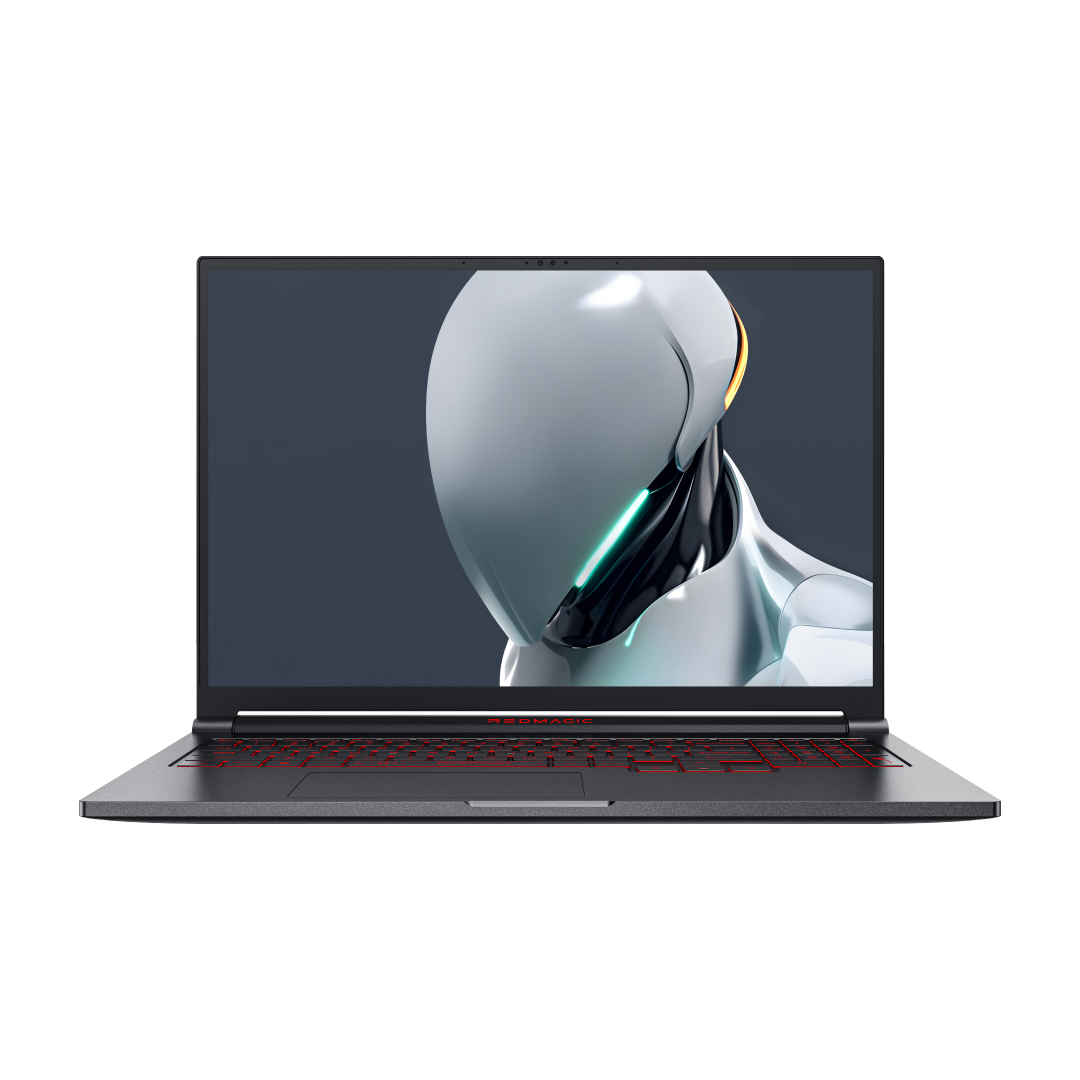


Gaming Pad Unpacked: Mouse Pads, Gamepads, and Tablets—What Actually Helps
Searching for a 'Gaming Pad' is messy. You might be looking for a precision mouse mat, a mobile controller, or even a cooling attachment. This guide untangles the definitions, helps you build the right setup, and shares simple DIY tests so you don’t waste money on snake oil.
What “Gaming Pad” Usually Means
-
Mouse/Desk Pad: Optimized glide/stop for a mouse; protects your desk.
-
Gamepad/Controller: Physical sticks and triggers to replace touchscreen taps.
-
Cooling Pad/Back Cooler: A device that pulls heat off a phone to prevent throttling.
Mouse Pads: Pick Glide, Control, and Shape
-
Surface: Hard (fast glide) vs. soft cloth (more stopping power). Hybrid surfaces balance both.
-
Edges & Stability: Stitched edges prevent fray; a rubber base stops pad drift.
-
Size: Extended desk mats help with sweeping aim and keyboard stability; smaller pads save space.
-
Quick check: Test in your fastest title for 10–15 minutes; note flick precision and comfort. If your wrist catches the edge, size up.
Controllers: When to Ditch “Glass Gaming”
-
Why switch: Touchscreens block your view and add latency; physical inputs improve aim, comfort, and consistency.
-
What to look for: Low-latency wired or 2.4G modes, Hall-effect sticks (no drift), microswitch triggers, pass-through charging.
-
REDMAGIC fit: The Shadow Blade Gamepad 3 uses the USB-C port for near-zero input lag and keeps the phone balanced in handheld grip.
-
Explore controllers at the REDMAGIC accessories hub: https://eu.redmagic.gg/collections/redmagic-phone-accessories
Cooling: Pads vs. Real Heat Removal
-
Passive cases/pads: Spread heat; they feel cooler at first but saturate quickly.
-
Active coolers: Use a cold plate and a fan to pull heat out. Detachable designs avoid blocking antennas or charging coils.
-
Built‑in cooling: REDMAGIC 11 Pro combines a vapor chamber and active fan as part of its liquid‑cooling system for sustained performance. Specs: https://global.redmagic.gg/pages/redmagic-11-pro
-
Detachable option: REDMAGIC VC Cooler 6 Pro is a clip‑on active cooler designed to keep ports accessible. Product: https://global.redmagic.gg/products/redmagic-vc-cooler-6-pro
Quick Comparison
| Need | Best Fit | What Improves | Trade-offs |
| Better mouse control | Hard/soft mouse pad matched to your game style | Glide, stopping power, desk comfort | None if sized right |
| Lower input latency | Wired/2.4G gamepad (e.g., Shadow Blade Gamepad 3) | Aim consistency, hand comfort | Carry an extra piece |
| Thermal headroom | Detachable active cooler (VC Cooler 6 Pro) | Sustained FPS, cooler touch, stable brightness | Adds clip weight; needs power |
| All-in-one cooling | REDMAGIC 11 Pro built-in liquid loop + fan | No accessory needed; balanced thermals | Phone choice commitment |
How to Test Gear Yourself
-
Control ambient: Note room temp; avoid direct sun.
-
Baseline first: 15–20 minutes in your heaviest game. Log surface temp (IR gun if you have one), frame-rate stability, and feel.
-
One change at a time: Add the mouse pad, then the controller, then the cooler. Compare notes.
-
Charging vs. bypass: If your phone supports Charge Separation/Bypass Charging, toggle it on during a test to see the heat drop from the battery side.
-
Signal check: After adding any case or pad with metal/graphene, test Wi‑Fi/5G ping before trusting it for ranked matches.
-
Red flags: If something feels cooler but your FPS still sags, you’re likely just insulating the heat.
Choose Your Loadout by Scenario
-
Desk/PC crossover: Prioritize a quality mouse pad plus a wired/2.4G controller if you play across PC and mobile.
-
Mobile competitive: Detachable cooler (VC Cooler 6 Pro) + wired controller; enable Charge Separation when available.
-
Travel light: A compact controller for comfort; skip cooling unless you play long sessions—then pack the clip-on cooler.
-
No-compromise setup: A phone with integrated cooling (REDMAGIC 11 Pro) plus a detachable cooler for the hottest titles gives headroom without bulky cases.
When to Upgrade to Built-in Cooling
If you’re stacking pads, fans, and cables to stay playable, it may be simpler to move to a phone engineered for thermals. REDMAGIC 11 Pro combines liquid coolant, a vapor chamber, and an active fan so you can skip “cooling cases” entirely. Specs and details: https://global.redmagic.gg/pages/redmagic-11-pro
Pro Tips
-
Keep accessories off antenna lines; re-check ping after every install.
-
Don’t block charging coils if you rely on wireless charging—detachable coolers keep coils clear.
-
Clean fan intakes on clip-on coolers; dust kills airflow.
-
Re-evaluate seasonally: summer heat may require the cooler you skipped in winter.
Where to Start
-
Controllers and grips (Gamepad 3): https://eu.redmagic.gg/products/redmagic-shadow-blade-gamepad-3
-
Detachable cooling: https://global.redmagic.gg/products/redmagic-vc-cooler-6-pro
-
Built-in liquid cooling and triggers: https://global.redmagic.gg/pages/redmagic-11-pro
This way, you match the right “gaming pad” to the job—better glide, lower latency, or real cooling—while keeping signals, charging, and comfort intact.
Best Sellers
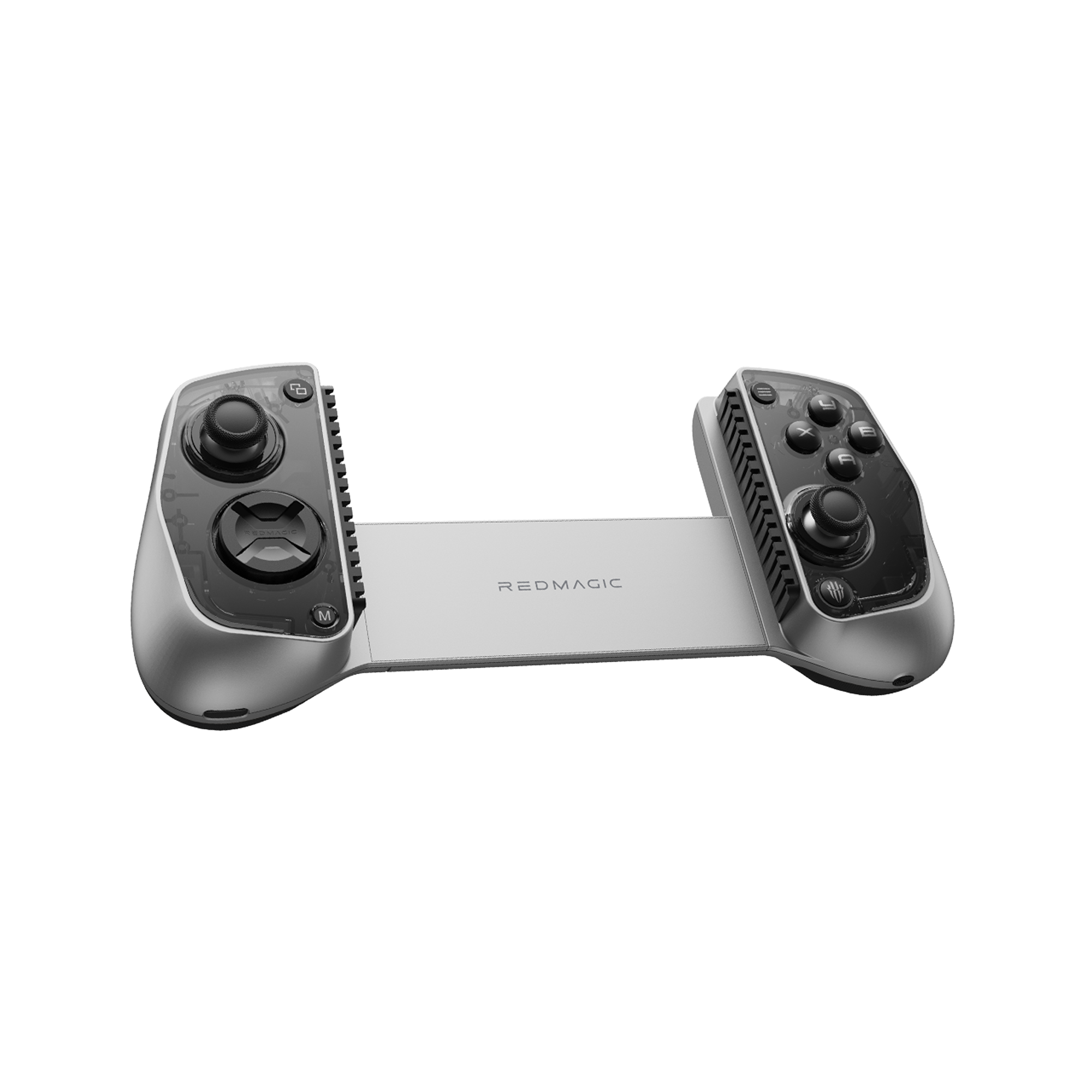
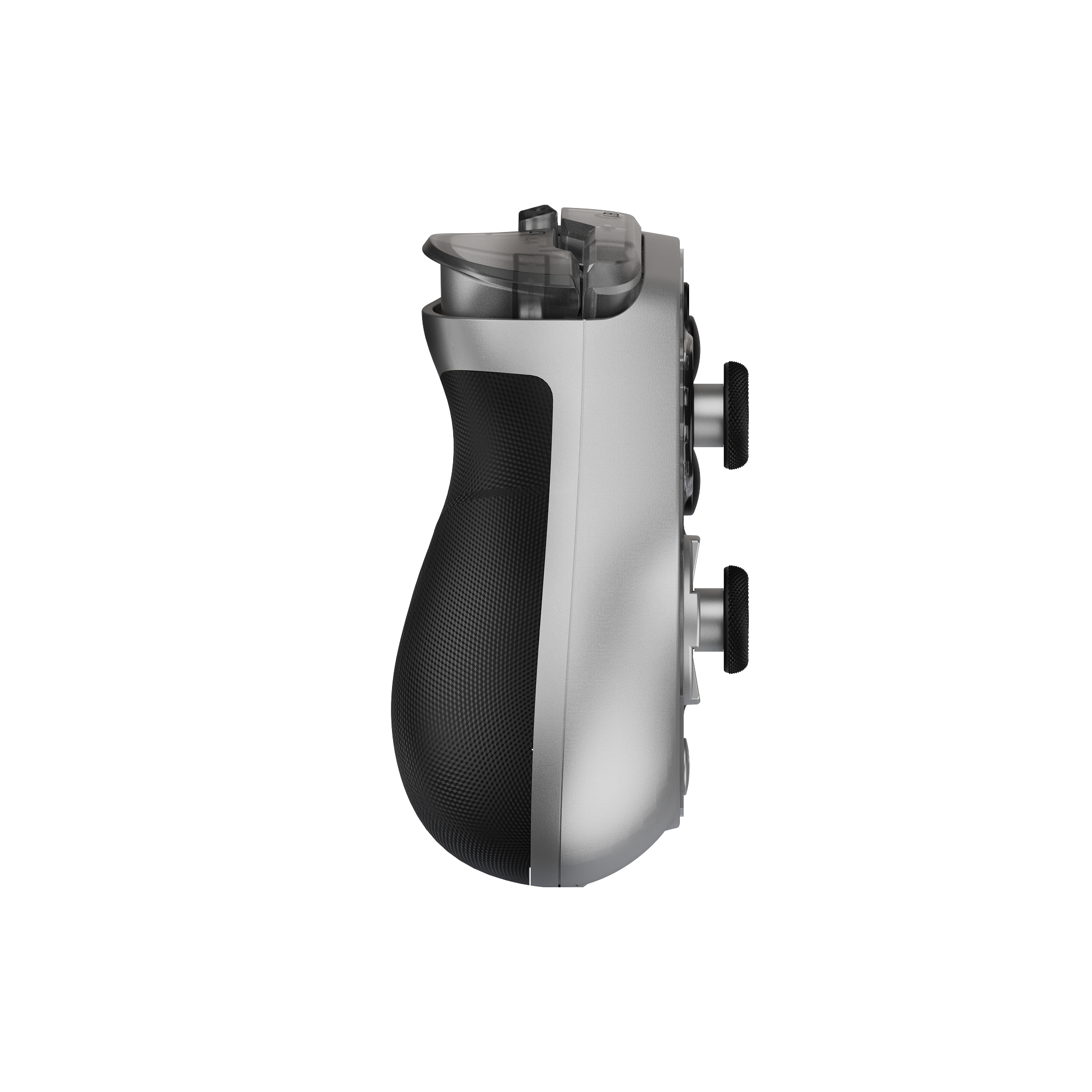
REDMAGIC Shadow Blade Gamepad 3
REDMAGIC Shadow Blade Gamepad 3 – Lightweight, RGB Lighting, Pro-Level Mobile Controller
Experience console-style gaming anywhere with the REDMAGIC Shadow Blade Gamepad 3. Featuring customizable RGB lighting, 6-axis gyroscope, Hall joysticks, and Bluetooth 5.3 compatibility for phones and tablets.
- Regular price
- From €124.00
- Sale price
- From €124.00
- Regular price
-
€129.00 - Unit price
- per