





CPU Temp While Gaming: Normal Ranges, Monitoring, and Quick Fixes
High-fps sessions or charging-while-playing can turn your phone into a hand warmer. FPS dips, the backplate stings, and you ask: what’s normal, when should you worry, and what can you do now?
This guide separates comfort from protection thresholds, shows you how to monitor correctly, and gives fast, practical fixes based on device physics.
What Is a Safe Gaming Temp on a Phone?
Don’t confuse the sensors.
-
Internal (CPU/SoC): Core temps in the 80°C range are typically safe for the silicon under heavy gaming. Chips are designed to handle this heat internally.
-
External (Battery/Surface): This is what matters for your hands. Surface temps above ~45°C usually trigger discomfort and system throttling to protect the battery.
A simple visual:
-
Green: Warm to touch (Optimal Performance).
-
Yellow: Hot to touch (Throttling Risk).
-
Red: Too hot to hold (Severe Throttling / Safety Shutdown).
Note: Ambient conditions matter. A hot room pushes temps higher; AC can pull them back down.
How to Monitor Temps on Mobile
Use built-in performance overlays or game-space monitors.
-
Check mid-session; don't wait for the lag to start.
-
Set soft alerts below the protection line.
-
Log 10–15 minutes in your heaviest game. Look for Frame-Time Stability (stutter) rather than just peak temperature. Touch alone misleads; you need to know if the chip is slowing down (throttling).
Why Temps Spike During Mobile Gaming
High refresh/high-fps titles and sustained 3A loads create both bursts and steady heat.
-
Trapped Heat: Thick cases and fingers covering the back act as insulators.
-
The Path: Heat moves from SoC → Vapor Chamber → Air. If the "Air" part is blocked (by your hand, a pocket, or a case), the heat backs up, saturating the phone.
Quick Fixes Before You Panic
-
Open airflow: Remove thick cases. Avoid covering the back glass or vents.
-
Tame the load: Cap FPS or graphics settings if you notice heat climbing.
-
Stop Charging: Charging is a major heat source.
-
The Pro Move: If your device supports Charge Separation (Bypass Charging), switch it on to remove battery heat entirely during gaming.
External Cooling: When and How
Choose active clip-on coolers and mount them away from any vent or opening.
-
Avoid: Passive stickers or pads (they often add thermal resistance).
-
Test: Run a simple A/B test in your toughest game: 15 minutes baseline vs. with the cooler. If airflow or grip suffers, reposition it.
For REDMAGIC Users: The AquaCore Advantage
Standard phones rely on passive cooling (soaking heat). The REDMAGIC 11 Pro is engineered to actively remove it.
According to official specifications, it features the AquaCore Cooling System, which combines three key technologies to break the "thermal wall":
-
Massive Heat Extraction: A 13,116 mm² 3D Vapor Chamber (one of the largest in the industry) pulls heat rapidly from the Snapdragon 8 Elite core.
-
Active Airflow: A built-in 24,000 RPM Turbo Fan physically exhausts hot air out of the device, preventing heat saturation.
-
Liquid Loop: An innovative flowing liquid cooling layer designed to stabilize temps during long sessions.
How to optimize it:
-
Pre-Cool: Turn on the fan before the heat builds up.
-
Clear the Path: Keep the rear airflow vents clear (do not block the inlet/outlet with your fingers).
-
Combine: If you use a clip-on cooler (like the VC Cooler 6 Pro), mount it away from the phone's internal fan exhaust to allow maximum airflow.
Protect Performance and Lifespan
Pre-empt throttling with fan curves and sensible FPS caps; don’t wait for protection to cut performance mid-match. In summer, be more aggressive with fan profiles; in AC rooms, you can relax settings. Periodically check and clean vents to ensure dust isn't choking your cooling system.
FAQ
Is X°C normal while gaming? Separate comfort (surface) from protection (core). If your phone is throttling (lagging) or too hot to hold, it's too hot, regardless of the number.
Should I use a passive cooling pad/sticker? Generally no. Prefer active fans and clear airflow. Stickers can block the phone's natural heat dissipation path.
Fastest fix for lag? Turn on the Fan, remove the case, and enable Charge Separation.
Stay Cool, Keep Frames Steady
Start with correct monitoring and clear airflow. Cap FPS if temps climb, and enable Charge Separation to remove battery heat. REDMAGIC users should lean on the AquaCore System (Liquid + VC + Fan) first. Test changes with your own gameplay, keep what helps, and discard what blocks airflow.
Best Sellers
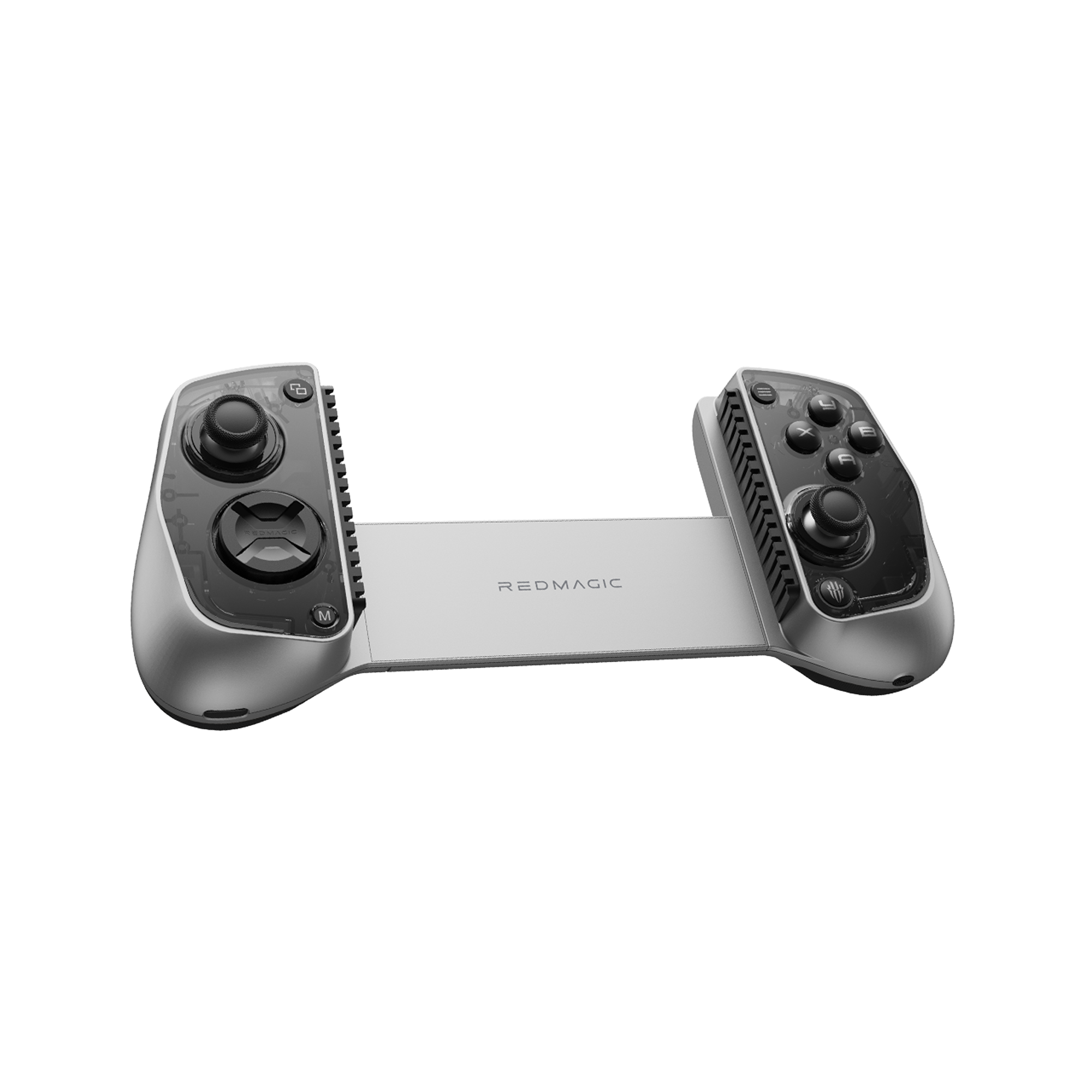
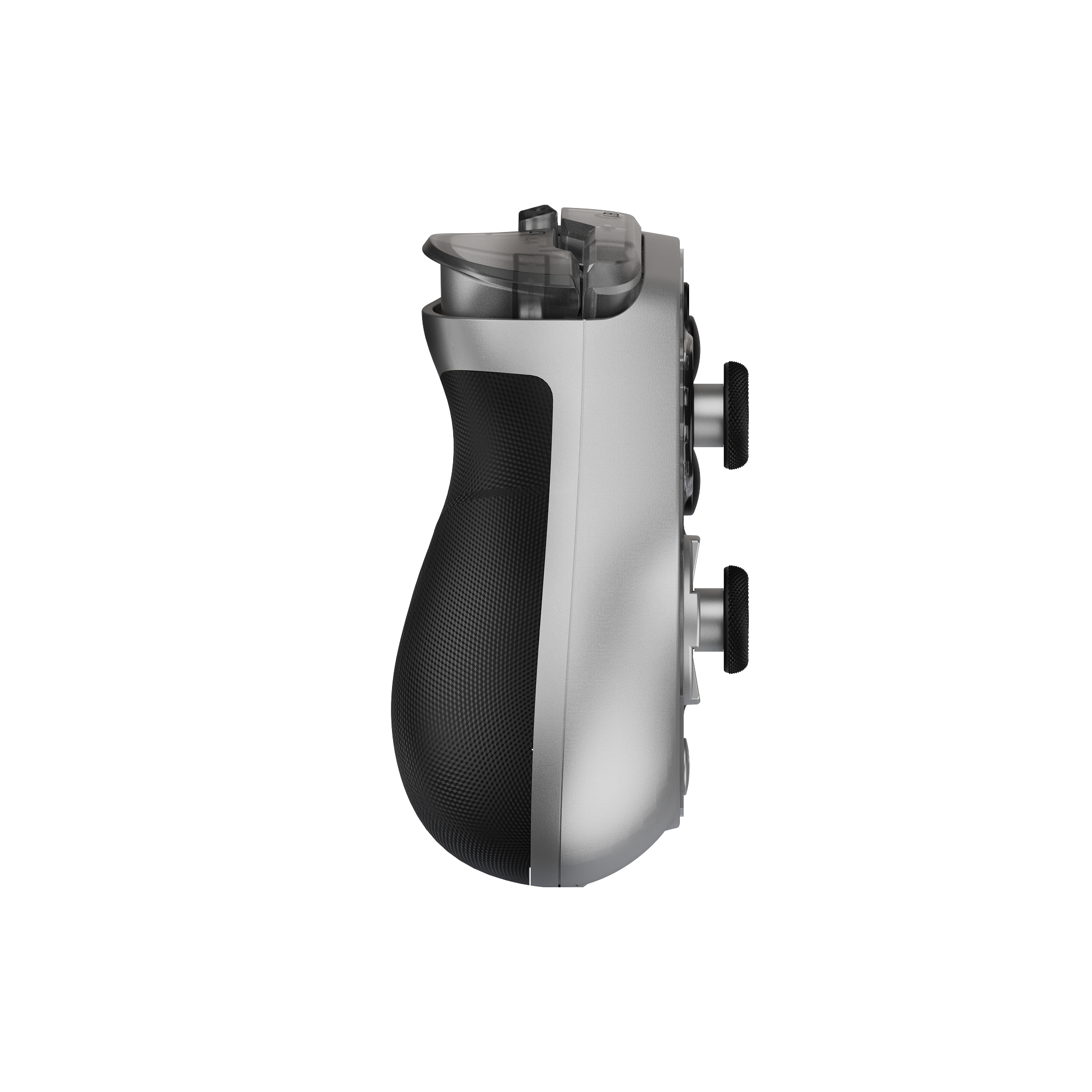
REDMAGIC Shadow Blade Gamepad 3
REDMAGIC Shadow Blade Gamepad 3 – Lightweight, RGB Lighting, Pro-Level Mobile Controller
Experience console-style gaming anywhere with the REDMAGIC Shadow Blade Gamepad 3. Featuring customizable RGB lighting, 6-axis gyroscope, Hall joysticks, and Bluetooth 5.3 compatibility for phones and tablets.
- Regular price
- From €124.00
- Sale price
- From €124.00
- Regular price
-
€129.00 - Unit price
- per